

Elgato Key Light Air Mk.2 Review: 5GHz Wi-Fi Setup Fixes
Read our Elgato Key Light Air Mk.2 review to discover why 5GHz Wi-Fi connectivity drops occur on modern mesh networks and how to fix your setup connections.
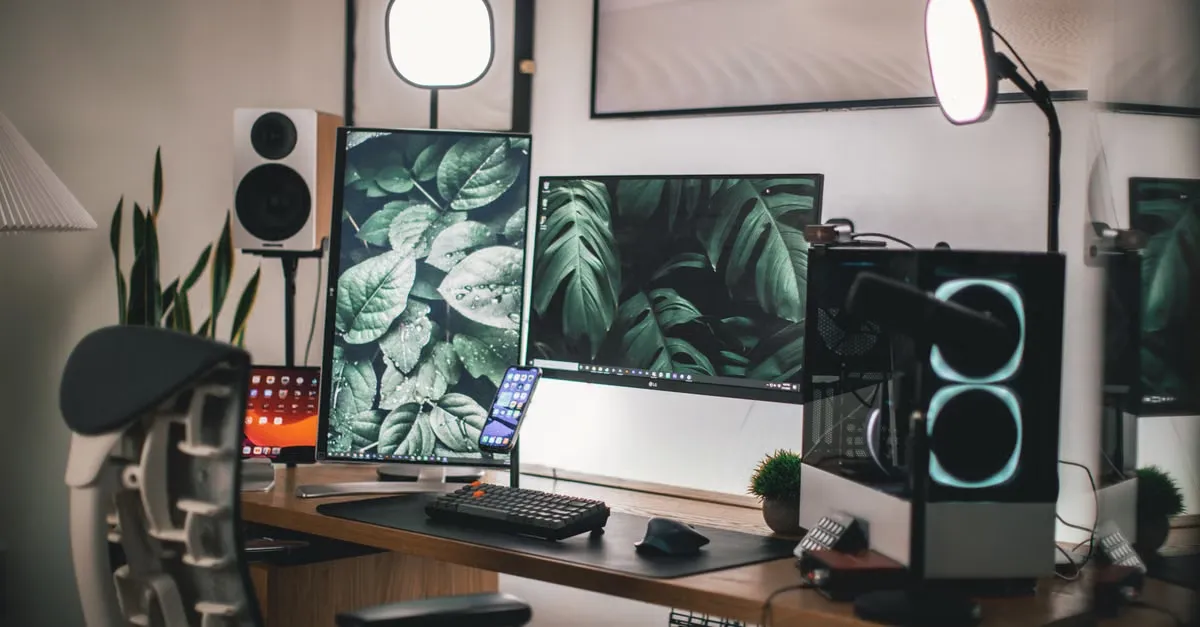
A persistent misconception about modern studio lighting is that upgrading to hardware with 5GHz Wi-Fi support will instantly cure your network dropouts and app connection failures. It sounds logical. The 2.4GHz band is hopelessly crowded by everything from wireless mice to microwaves, so jumping to a 5GHz-capable panel should result in a flawless connection.
The Elgato Key Light Air MK.2 is the current model, replacing the legacy Key Light Air, and it officially adds 5GHz Wi-Fi support. Yet, if you run a modern mesh network or a combined-band router, this light will likely fight you during setup.
Here is the exact reality of how this hardware handles wireless networking, why it drops off your system, and how the aggressive shift to USB-C power delivery changes how you actually use it.
The 5GHz Handshake Failure
The Key Light Air MK.2 utilizes Bluetooth to initiate the pairing process to an 802.11 a/b/g/n Wi-Fi network. During this initial setup, the Elgato Control Center software intervenes. If you use a router that combines both 2.4GHz and 5GHz bands under a single network name (SSID)—which is the default configuration for most modern consumer routers—Control Center usually attempts to force the device to pair with the 2.4GHz version of that combined network.
This forced routing frequently fails.
If your pairing fails on a combined network, the only guaranteed fix is to access your router settings, create two entirely separate network names for the 2.4GHz and 5GHz bands, and manually connect the Key Light Air MK.2 to the dedicated 2.4GHz network. The light will only recognize networks that are password-protected using WPA3, WPA2, or WPA. Open networks will not even appear in the Control Center setup list.
Mesh Networks and Signal Drops
Running a wireless mesh network with wireless backhaul introduces another failure point. Mesh setups are explicitly not recommended for Key Lights. Because these networks dynamically balance loads, devices can jump between mesh nodes. When the Key Light Air MK.2 hops from one node to another, it causes connectivity issues and temporary dropouts in the Control Center app.
You can check your exact connection status directly. The panel can display its current Wi-Fi signal strength, frequency, and network name. If you see a signal strength below 70%, connection improvements are strictly recommended to keep the light responsive to software commands.
If you want to use the Wi-Fi mode at all, verify your operating system meets the baseline. You need Windows 11 (64-bit), macOS 13, iPadOS 12, iOS 13, or Android 6.0 or newer.
USB-C Power Scaling and the Missing Charger
Elgato abandoned the fixed power adapter setup of the original Key Light Air. The MK.2 is powered entirely via USB-C, meaning you can run it off a computer, a battery bank, or a wall adapter.
This versatility hides a direct performance cost.
The MK.2 features a maximum brightness of up to 2100 lumens—a significant bump over the 1400 lumens of the original model. However, you will not see that brightness by just plugging it into your motherboard. To hit the full 2100-lumen output, the panel consumes up to 30 W of power. It absolutely requires a Power Delivery (PD) compatible adapter or battery bank rated for 30 W or higher.
If you try to run the panel off a single USB-C cable connected directly to a computer, the panel throttles heavily. A standard computer USB port will only deliver up to 400 lumens.
Elgato programmed the panel with strict hardware power scaling based on the wattage it detects:
- 27 W or more: ~2100 lm (100% brightness)
- 20 W to under 27 W: ~1680 lm (80% brightness)
- 15 W to under 20 W: ~1260 lm (60% brightness)
- 7.5 W to under 15 W: ~840 lm (40% brightness)
- Under 7.5 W: ~420 lm (20% brightness)
The catch? The required 30W USB-C PD adapter—branded as the P30 Power Supply—is sold separately. It is not included in the box. When you purchase the MK.2, the box contains only the panel, a 250 cm (98 in) USB C-to-C cable, a desk mount with a clamp, and a quick start guide.
If you are already dealing with electrical hum in your audio setup from plugging multiple high-draw devices into the same computer, you might want to power the light externally anyway. Just as you might read a Ground Loop Isolator Review: Fix Electrical Audio Hum to isolate audio interference, isolating the power draw of a 30W light to a dedicated wall charger is standard practice for a stable desk rig. Just expect to buy that charger yourself.
Physical Redesign and Mounting Hardware
The physical footprint of the light has changed drastically. The MK.2 utilizes a 15-inch edge-lit LED panel. The panel size is now 319 x 207 mm, moving away from the square 205 x 205 mm design of the original. The light itself (without the mount) measures 33 x 319 x 207 mm and weighs 735 g. Half of its housing is manufactured from recycled material.
Instead of relying solely on the app, the back of the panel now features touch controls. You can manually change the brightness, adjust the color temperature, or recall two saved presets without touching your PC or phone. The color temperature remains continuously adjustable from 2,900 to 7,000 K, boasting a Color Rendering Index (CRI) of > 94% for accurate skin tones.
The original weighted base is gone. The MK.2 mounts via a desk clamp attached to a telescopic ball mount with printed height markings. The clamp accommodates most desks up to 6 cm (2.35 in) thick. The desk mount height ranges from a minimum of 60 cm (23.6 in) to a maximum of 88 cm (34.7 in).
For alternative mounting, the panel includes three 1/4-inch threads for standard camera mounting systems. The back of the light also features a MagSafe-compatible ring, designed to snap onto compatible holders or battery banks for mobile setups. If you need to restrict the light spill to prevent washing out your background, Elgato offers a Focus Grid—an optional magnetic accessory that snaps onto the front to narrow the light’s spread.
At an MSRP of $139.99 USD (with a light-only version available for $119.99 USD), you are paying premium hardware prices for a panel that makes you buy the charger separately and demands you manually reconfigure your router bands just to maintain a connection.
References
About the author
The ZQStream Team
Writes long-form essays on Live Streaming Tips, Video Editing Tutorials, Content Creator Gear, Software Tutorials, and Audience Growth Strategies and related topics. Curated by the editorial team behind ZQStream.
Read more
Sync External Audio to an Edited Premiere Pro Timeline

Why Streamer Support Discords Ruin Twitch Viewer Counts
Keep reading
Related Articles