


Ground Loop Isolator Review: Fix Electrical Audio Hum
Eliminate the annoying 50Hz or 60Hz electrical buzz in your dual-PC streaming setup. Read our comprehensive ground loop isolator review to fix audio hum today.
Why 30% of your audio noise isn’t your microphone’s fault
Roughly 30% of all noise in home theater and complex audio setups comes directly from ground loops. If you hear a persistent, low-frequency buzz in your streams or recordings, you are likely listening to raw electrical voltage.
In North American power systems, electricity is delivered at 60 cycles per second. This creates a voltage difference at exactly 60 Hz, along with its harmonics at 120 Hz, 180 Hz, and beyond. If you live in South Africa or other regions with a different mains frequency, that hum sits squarely at 50 Hz. You can easily spot this baseline noise floor creeping up your meters if you know how to [verify exact details with official documentation].
How dual-PC audio routing creates electrical hum
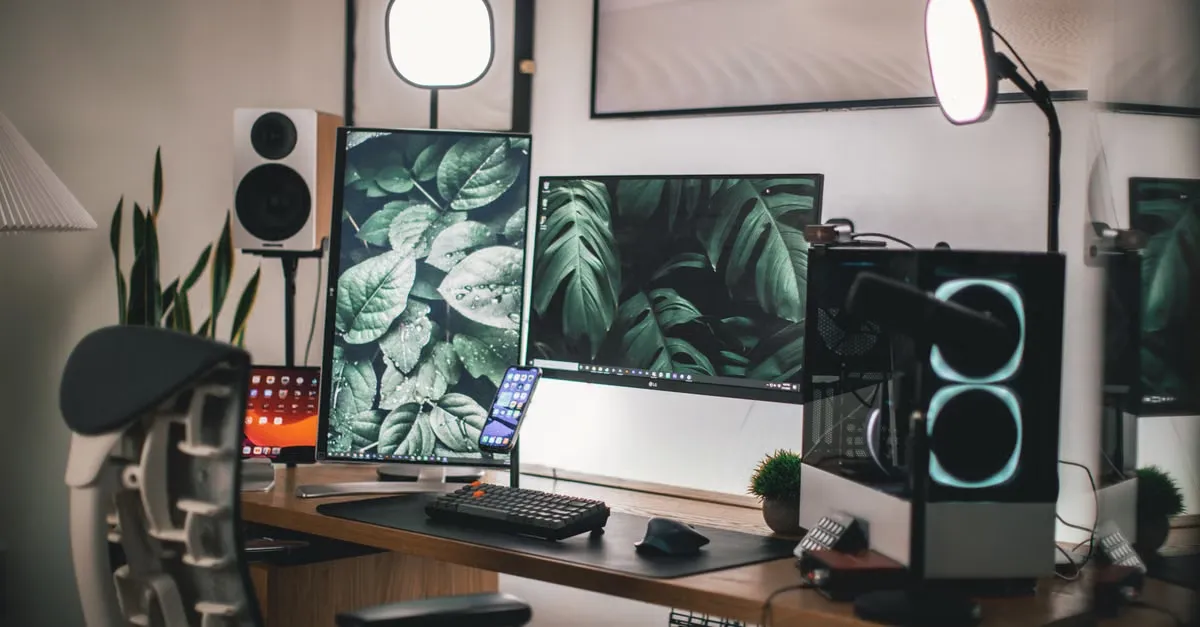
Building a dual-PC streaming setup requires running multiple power and data lines between two distinct machines. You typically have a modern GPU sending a DisplayPort connection to your main gaming monitor, while an HDMI output feeds the capture card.
The hardware bridging these machines varies. You might use external capture cards like the Elgato HD60 S+ or HD60 X connecting via USB 3.0. Alternatively, internal cards like the Elgato HD60 Pro, its MK.2 successor, or the 4K-capable Elgato 4K60 Pro MK.2 slide directly into a PCIe slot on the streaming PC. That streaming PC requires a minimum of a quad-core processor to function, though six or eight cores are recommended for encoding.
When you tie these machines together, analog audio connections using standard 3.5mm TRS cables become a massive liability. Ground loops are inherently more noticeable when you use unbalanced connections like RCA or 3.5mm jacks, especially over long cable runs. Connecting the audio output of your gaming rig directly to the line-in of your streaming PC creates a perfect electrical bridge for that 50 Hz or 60 Hz buzz to travel across.
The hidden cost of cheap ground loop isolators
You can buy a standard passive ground loop isolator for $10 to $15. These address cable-level hum, but they routinely degrade your overall signal quality by 3 to 6 dB.
A real-world test of the Aukey ground loop isolator illustrates this perfectly. This unit, which includes a 3.5mm audio cable, was tested on a custom PC running a Soundblaster AE-5 sound card outputting to a 3.5mm switch. The resulting audio was heavily degraded and muffled.
Scam products make the hardware market even harder to navigate. One buyer purchased a fake XLR ground loop isolator off Japanese Amazon for ¥1,200 (roughly €6.5). A basic continuity test revealed the truth: the manufacturer used direct wiring between the XLR sockets, allowing DC to pass right through the device. High-frequency noises will still pass through even legitimate transformers via parasitic capacitance leakage between the windings. Fixing that fake unit required designing a custom board isolator equipped with a high-pass filter, which was tested by injecting a 2 kHz noise signal alongside a non-isolated 440 Hz test signal.
Hardware isolation that actually works
If you need to stick with analog cables, look for hardware built with real isolation transformers. The Musontek Dual Channel Audio Isolator – ISO2C uses isolation transformers and accommodates both balanced and unbalanced signals. Most of your devices will connect to it using RCA or 3.5mm jacks. Musontek also produces a higher-tier model called the ISO PRO.
If your microphone is part of the problem, check your connectors. While USB microphones like the Elgato Wave:3 handle their own digital conversion internally, analog XLR setups offer a physical bypass. Activating a ground lift switch on your audio interface or inline hardware simply disconnects pin 1 (ground) of the XLR connector, instantly breaking the loop.
Optical and USB alternatives to 3.5mm copper
The easiest way to stop electrical interference is to stop using electricity to transmit your audio.
An optical TOS
References
About the author
The ZQStream Team
Writes long-form essays on Live Streaming Tips, Video Editing Tutorials, Content Creator Gear, Software Tutorials, and Audience Growth Strategies and related topics. Curated by the editorial team behind ZQStream.
Read more
How the Zoom Plugin SDK Changes OBS Integrations
Does Twitch Follower Count Matter for Stream Growth?
Keep reading